
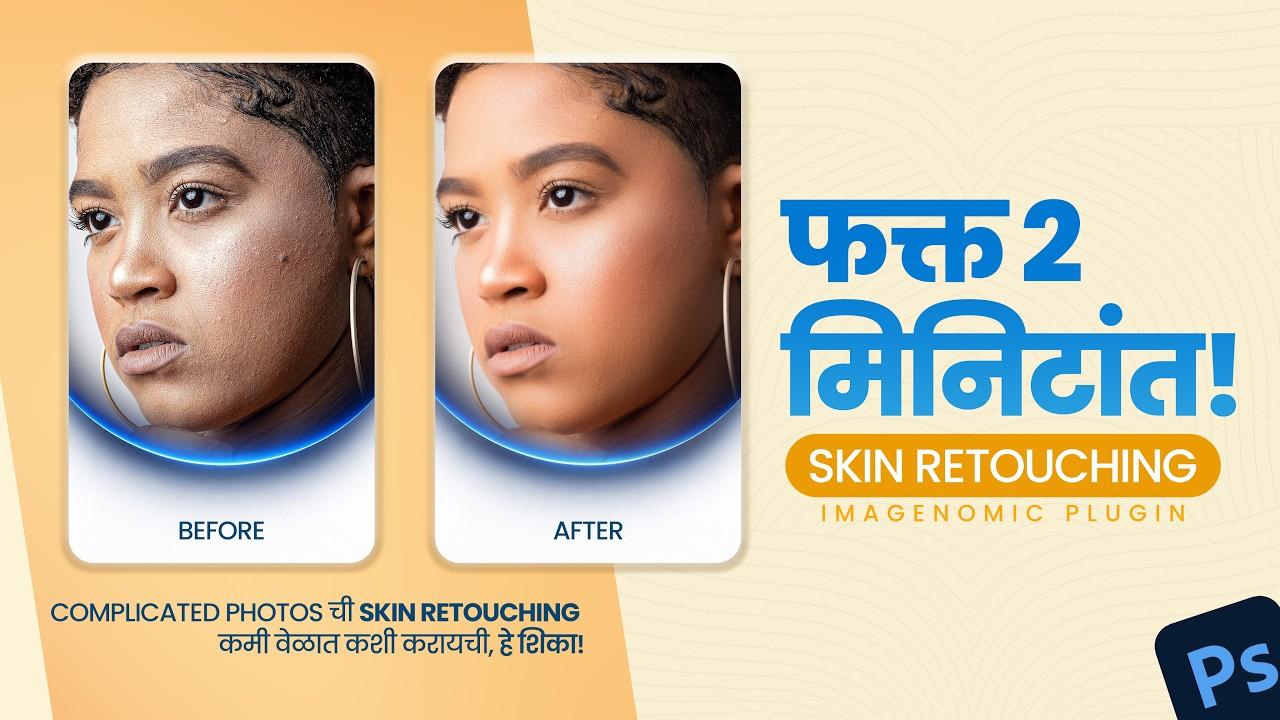
 Video8:25
फक्त 2 मिनिटांत Skin Retouching | Photoshop + Imagenomic Plugin Marathi Tutorial
PhotoshopImagenomic Pluginbeginner
698 views · 15 Oct 2026
Course 02
Photoshop मध्ये master
From interface to print-ready files — selections, masking, compositing, retouching and premium text effects, step by step.
Sample tutorialफक्त 2 मिनिटांत Skin Retouching | Photoshop + Imagenomic Plugin Marathi Tutorial
698 views · 8:25
Beginners, students and people from non-design backgrounds starting from zero.
Prototype curriculum inferred from the YouTube catalogue. Final module list pending Raj's confirmation.
Workspace, layers, selections and smart objects.
Combine photos, blend modes and realistic shadows.
Skin, product and print photo retouching.
Gold, silver and premium 3D-style text.
Resolution, CMYK, bleed and export settings.
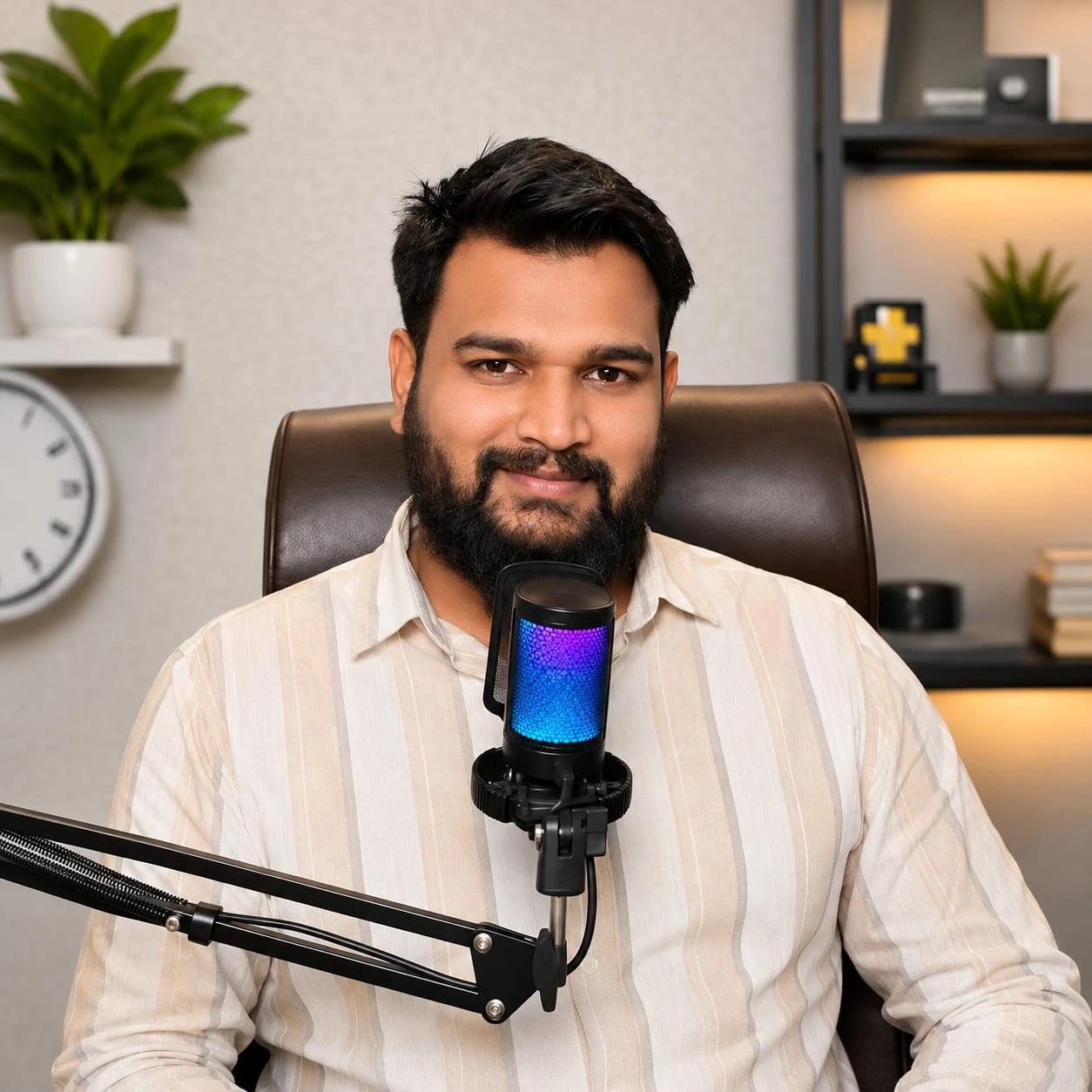
Raj Sherkhane · Commercial Graphic Designer
Every concept is demonstrated inside a real project. You rebuild it yourself, then get feedback. Practical shortcuts from 10+ years of client work, explained in Marathi.
About the mentorFees depend on the course. Exact fees and batch dates are confirmed on WhatsApp.
Yes. The Fundamentals course starts from zero — no design background needed.
Yes — concepts in Marathi, software and industry terms in English.
The next batch date is not confirmed yet. Ask Raj on WhatsApp for the current schedule.
Certificate, payment and online/offline mode will be published once confirmed by the client.
Video8:25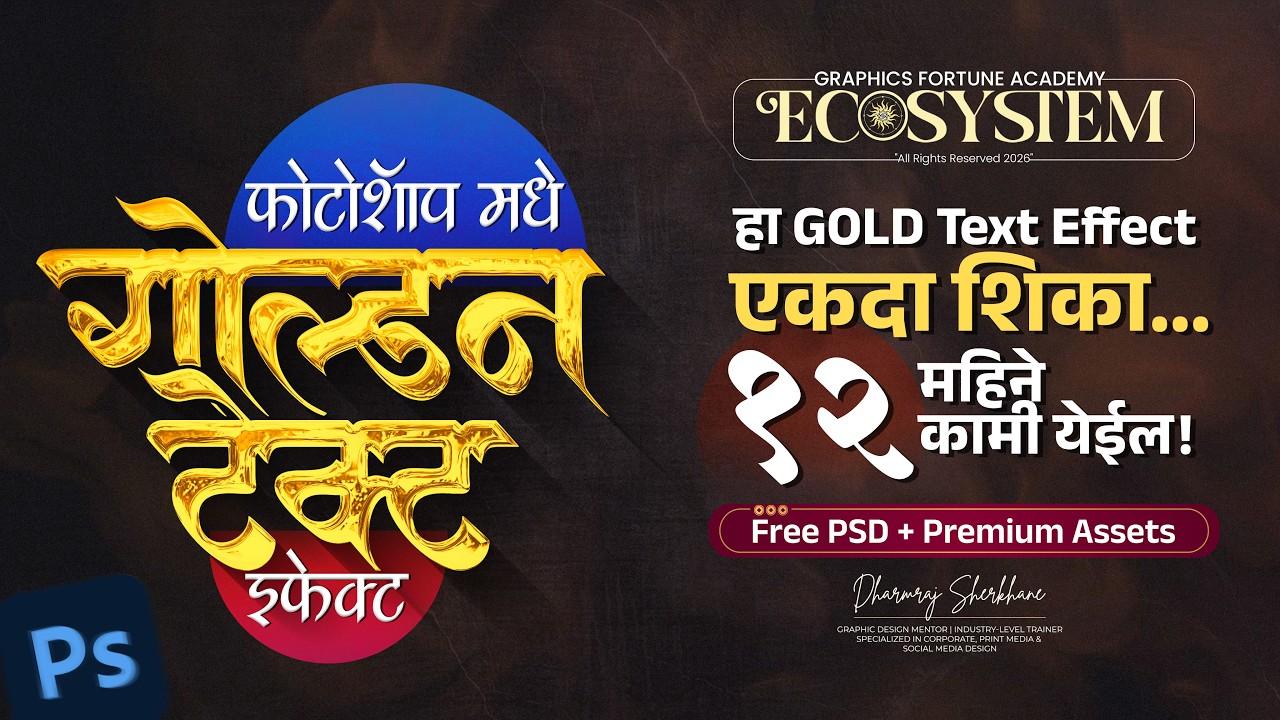 PSD · Free10:24
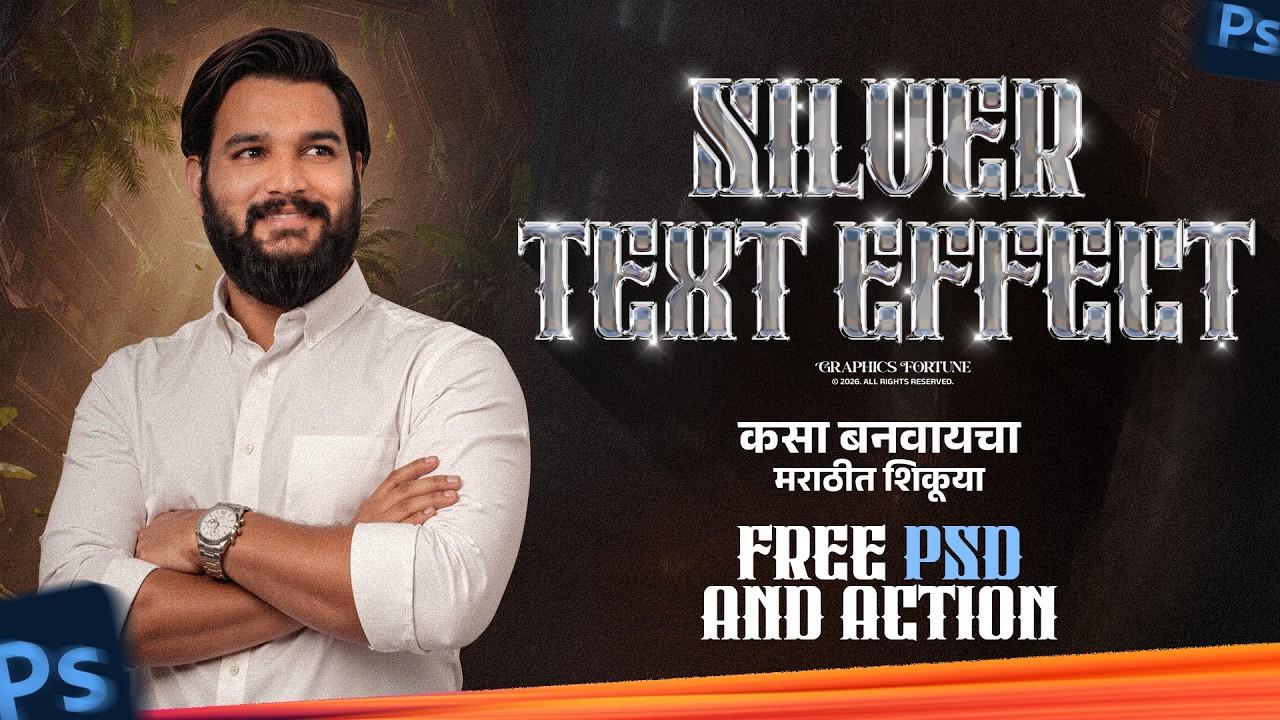 Video2:40